What does Comet Browser do?
Comet Browser 140.0 Free Download is a web browser developed by Perplexity, designed to integrate AI-powered search directly into your browsing experience. The browser combines traditional web navigation with intelligent search capabilities, allowing you to find information quickly without switching between tabs or applications. It aims to streamline how you research, browse, and discover content online.
This browser is ideal for students, researchers, professionals, and anyone who frequently searches for information while browsing. Comet Browser features built-in AI assistance, fast page loading, and a clean interface that reduces distractions. It offers seamless integration with Perplexity’s search technology, making it easier to get answers and explore topics in depth.
The software works on standard operating systems and provides privacy controls alongside its search features. Whether you’re conducting research, reading articles, or exploring new topics, Comet Browser offers a focused environment for productive web use.
What Problem Does Comet Browser Solve?
Many people waste time switching between their browser and search engines when looking for information. You open a new tab, type your question, scan results, click links, and repeat this process multiple times. This constant back-and-forth breaks your focus and slows down research or learning.
Comet Browser solves this problem by integrating AI-powered search directly into your browsing experience. Instead of opening multiple tabs to find answers, you can ask questions and get information without leaving your current page. The browser understands context and provides relevant answers quickly.
Why Users Need This Browser?
Students researching for essays spend less time hunting for sources. Professionals fact-checking information during work get faster results. Content creators verifying details can streamline their workflow. Anyone who frequently searches while browsing saves time and mental energy.
The browser reduces tab clutter and information overload. Traditional browsers require you to manage dozens of open tabs when researching a topic. Comet Browser helps you stay organized by keeping search and browsing in one place.
Why Do Users Prefer Comet Browser?
Built-In AI Search Assistant
Comet Browser includes a powerful AI search tool that works right inside your browser window. You can ask questions in natural language and get clear answers without opening new tabs or leaving your current page. The AI understands what you mean even if you don’t use exact keywords or technical terms. This feature saves you time because you don’t need to click through multiple search results to find basic information.
The assistant remembers your previous questions in the same session, so you can ask follow-up questions that build on earlier answers. Students doing homework and professionals researching topics find this feature extremely helpful for quick fact-checking and learning.
Clean and Distraction-Free Interface
The browser uses a simple design that keeps your attention on the content you’re reading. You won’t see cluttered toolbars, excessive buttons, or annoying pop-ups that interrupt your browsing experience. The interface removes unnecessary visual elements that typically distract users on other browsers.
This clean layout helps you focus better when reading articles, watching videos, or working on important tasks. Users who struggle with concentration or feel overwhelmed by busy screens appreciate this streamlined approach. The minimalist design also makes the browser faster and easier to navigate for beginners.
Fast Page Loading Speed
Comet Browser loads websites quickly so you spend less time waiting and more time browsing. The software optimizes how it processes web pages to reduce loading delays that frustrate users on slower connections. You can open multiple pages without experiencing significant slowdowns or freezing issues.
This speed improvement matters most when you’re researching topics and need to visit many different websites in a short time. The browser achieves this performance without requiring high-end computer hardware or special technical setup. People who browse frequently throughout the day notice the time savings from faster page loads.
Privacy Controls and Settings
The browser gives you control over your personal information and browsing data. You can adjust privacy settings to limit tracking from websites and third-party services. Comet Browser includes options to clear your history, cookies, and cached data whenever you want. These controls help protect your online activity from companies that collect user information for advertising purposes.
The browser explains privacy options in simple language so you understand what each setting does. Users concerned about digital privacy feel more secure knowing they can manage what information websites can access.
Seamless Tab Management
Comet Browser organizes your open tabs in a way that prevents confusion and clutter. You can easily switch between different pages without losing track of what you were doing. The browser groups related tabs together when you’re researching a single topic across multiple websites.
This organization feature helps students working on projects and professionals managing various tasks simultaneously. You can save groups of tabs to revisit later without keeping everything open all the time. The system reduces the mental effort required to stay organized when browsing for extended periods.
Integrated Reading Mode
The browser includes a special reading mode that removes ads, sidebars, and other distracting elements from articles. You can activate this mode with a single click to see only the main text and images. The reading mode adjusts font size and spacing to make long articles easier on your eyes. This feature benefits people who read news, blogs, or educational content regularly throughout their day.
Students reading research materials and professionals reviewing documents find the cleaner presentation reduces eye strain. The mode works on most websites without requiring any technical setup or browser extensions.
Cross-Device Synchronization
Comet Browser syncs your bookmarks, settings, and browsing preferences across different computers and devices. You can start reading an article on your desktop and continue on another device without losing your place. The synchronization happens automatically when you sign into your account on each device.
This feature helps people who switch between work computers, home laptops, and other devices throughout the day. You don’t need to manually transfer bookmarks or recreate your preferred settings on each new device. Users who work from multiple locations appreciate the convenience of having consistent browser settings everywhere.
Customizable Search Experience
The browser lets you personalize how search results appear and what sources the AI prioritizes. You can adjust settings to focus on academic sources, news articles, or general web content based on your needs. This customization helps students find scholarly information and professionals locate industry-specific resources more efficiently.
The browser remembers your preferences so you don’t need to adjust settings every time you search. You can also choose which search engine to use as a backup when the AI assistant doesn’t provide the answer you need. These options give you flexibility while maintaining the simple, user-friendly design that makes Comet Browser easy to navigate.
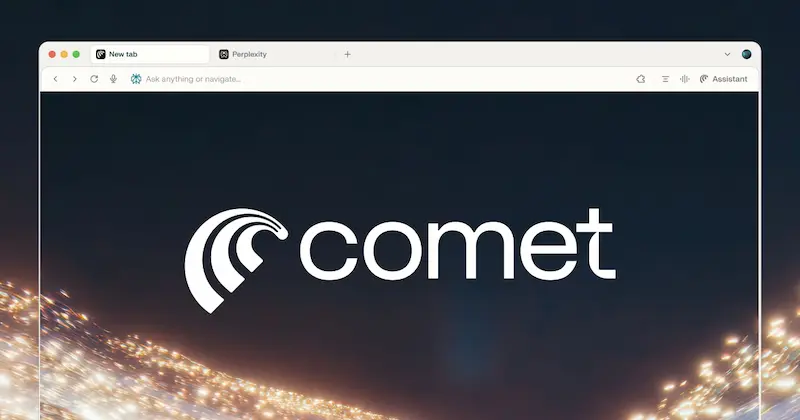
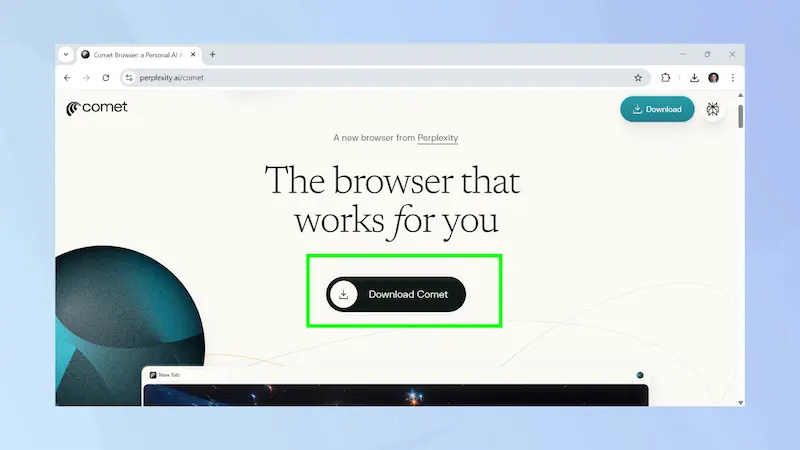
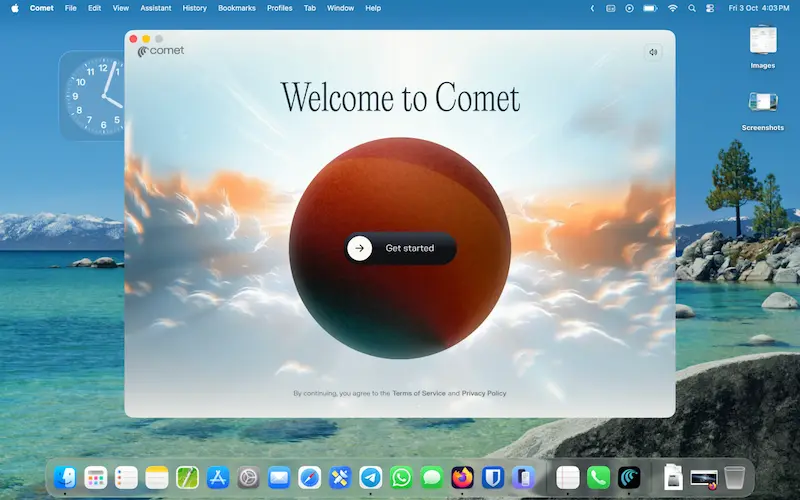
ScreenShots of Comet Browser

System Requirements
- Operating System: Windows 10 or later (64-bit)
- Processor: Intel Core i3 or AMD equivalent (dual-core minimum)
- RAM: 4 GB minimum (8 GB recommended)
- Hard Disk Space: 500 MB free space for installation
- Internet Connection: Required for AI search features and browsing
- Display: 1280 x 720 screen resolution or higher
- Graphics: Integrated graphics card compatible with DirectX 11
- Additional Software: No additional dependencies required
Technical Details
- Software Name: Comet Browser
- Developer: Perplexity AI, Inc.
- Version: 140.0
- File Size: Approximately 450 MB
- License Type: Freeware
- Language Support: English (multiple languages supported)
- Architecture: 64-bit application
- Category: Web Browser
- Release Date: 2024
- Update Frequency: Regular updates with new features
- Installation Type: Standard executable installer (.exe)
- Uninstall Support: Yes, through Windows Control Panel
How To Download And Install?
- Click the download button to save the installation file (approximately 450 MB) to your computer.
- Once the download completes, locate the .exe file in your Downloads folder and double-click it to start installation.
- Follow the on-screen setup wizard by clicking “Next” and accepting the terms and conditions when prompted.
- Choose your installation location or use the default folder, then click “Install” and wait for the process to complete.
- After installation finishes, click “Launch” to open Comet Browser and begin the initial setup by importing bookmarks or customizing settings.
FAQs
Yes, Comet Browser is completely free to download and use without any subscription fees or premium tiers.
Comet Browser is safe to use and includes standard security features like privacy controls, though users should always practice safe browsing habits with any browser.
Comet Browser integrates AI-powered search directly into the browsing experience, allowing users to get instant answers without opening multiple tabs, unlike traditional browsers.
Yes, Comet Browser allows you to import bookmarks, passwords, and browsing history from other browsers like Chrome, Firefox, and Edge during the initial setup.