What does LibreOffice do?
LibreOffice Latest Version For Pc is a free, open-source office suite that helps you create documents, spreadsheets, and presentations. It works on Windows, Mac, and Linux computers. This software provides a complete alternative to paid office programs, making professional tools available to everyone at no cost.
The suite includes six main applications: Writer for documents, Calc for spreadsheets, Impress for presentations, Draw for graphics, Base for databases, and Math for formulas. All programs support common file formats, including Microsoft Office files, so you can easily share your work with others.
LibreOffice Free Download works well for students, home users, businesses, and non-profit organizations. It receives regular updates from a global community of developers. You get full features without subscriptions or hidden fees, and your documents remain yours with no cloud requirements.
What Problem Does LibreOffice Solve?
Many people need office software for work, school, or personal projects. Commercial office suites often require expensive subscriptions or one-time purchases. LibreOffice solves this problem by offering professional office tools completely free.
Cost and Accessibility
Students and home users often can’t afford Microsoft Office or similar paid programs. Small businesses and non-profits struggle with software licensing costs. LibreOffice eliminates these expenses while providing the same basic functions you need for everyday tasks.
File Compatibility Issues
People frequently receive documents in different formats from colleagues, clients, or teachers. LibreOffice opens and edits Microsoft Office files (DOCX, XLSX, PPTX) without requiring you to buy additional software. You can save files in multiple formats, ensuring compatibility with others.
Platform Limitations
Some users work on different operating systems at home, school, or work. LibreOffice runs on Windows, Mac, and Linux with the same features on each platform. This consistency helps when you switch between computers.
Privacy and Ownership Concerns
Cloud-based office software requires internet connections and stores your documents on external servers. LibreOffice works offline and keeps your files on your own computer. You maintain complete control over your personal or sensitive documents without mandatory cloud storage.
Why Do Users Prefer LibreOffice?
Complete Office Suite in One Package
LibreOffice gives you six different programs that work together as one complete office suite. You get Writer for creating documents, Calc for making spreadsheets, Impress for building presentations, Draw for designing graphics, Base for managing databases, and Math for writing scientific formulas.
All these tools share a similar design, so you learn one program and understand the others easily.You can switch between programs quickly and move content from one to another without any problems. This complete package means you never need to search for separate tools to finish your work.
Works Without Internet Connection
LibreOffice runs entirely on your computer without requiring an internet connection at any time. You can write documents, create spreadsheets, and make presentations even when you travel or have no wifi access. The software saves all your files directly to your hard drive, so you control where your work goes.
You never face delays from slow internet or server problems that stop cloud-based programs. This offline capability makes LibreOffice perfect for students, travelers, and anyone who works in areas with poor internet service.
Opens Microsoft Office Files Easily
LibreOffice reads and edits all common Microsoft Office file formats without any special converters or extra software. You can open Word documents, Excel spreadsheets, and PowerPoint presentations that others send you. The software preserves formatting, images, and layouts when you open these files.
You can also save your work in Microsoft formats so recipients using Office can open your files smoothly. This compatibility removes the stress of dealing with files from different programs and lets you collaborate with anyone regardless of their software choice.
Supports Many Languages Worldwide
LibreOffice comes with support for over one hundred languages from around the world. You can change the entire interface to display menus, buttons, and help text in your preferred language. The spell checker works in dozens of languages and helps you write correctly in multiple languages within the same document.
You can install additional language packs anytime you need them without paying extra fees. This multilingual support makes LibreOffice accessible to users everywhere and helps people communicate across language barriers.
Provides Professional Templates and Styles
LibreOffice includes dozens of ready-made templates for letters, resumes, reports, budgets, and presentations. You can start projects quickly by choosing a template that matches your needs instead of building everything from scratch. The software lets you create and save your own custom templates for documents you make regularly. You can apply professional formatting styles with one click to make your work look polished and consistent. These templates save time and help people with no design experience create documents that look professional and attractive.
Regular Free Updates and Improvements
LibreOffice receives new updates several times each year with bug fixes, security patches, and new features. A global community of volunteer developers works constantly to improve the software and add requested functions. You download and install these updates completely free without paying upgrade fees or subscription costs.
The updates arrive automatically through your system’s update manager or directly from the LibreOffice website. This ongoing development ensures the software stays current, secure, and compatible with new file formats and operating system versions.
Customizable Interface and Extensions
LibreOffice lets you arrange toolbars, menus, and buttons exactly how you want them for your workflow. You can add, remove, or rearrange features to create a workspace that matches your specific needs and preferences. The software supports extensions that add extra functions like additional templates, special tools, or new file format support.
You can download hundreds of free extensions from the official LibreOffice website to expand what the programs can do. This flexibility means you shape the software to fit your work instead of changing your habits to match the program.
Strong Document Security Features
LibreOffice protects your sensitive documents with password encryption and digital signatures. You can lock files with passwords so only authorized people can open or edit your work. The software lets you add invisible watermarks and restrict printing or copying of confidential information.
You can digitally sign documents to prove they came from you and nobody changed them after you sent them. These security tools give you control over who accesses your files and help you share information safely with clients, colleagues, or business partners.
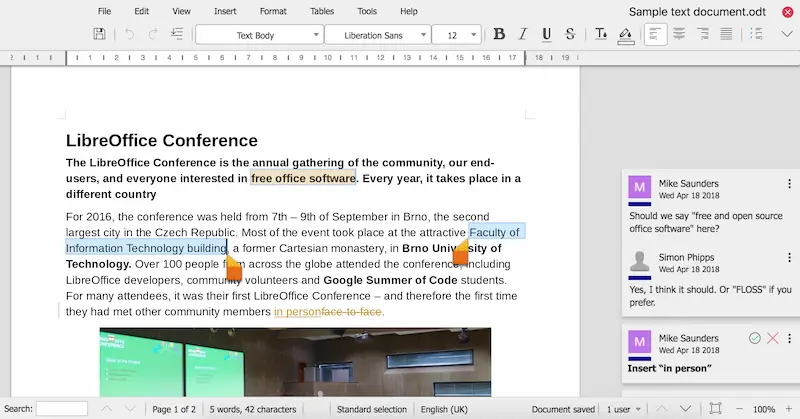
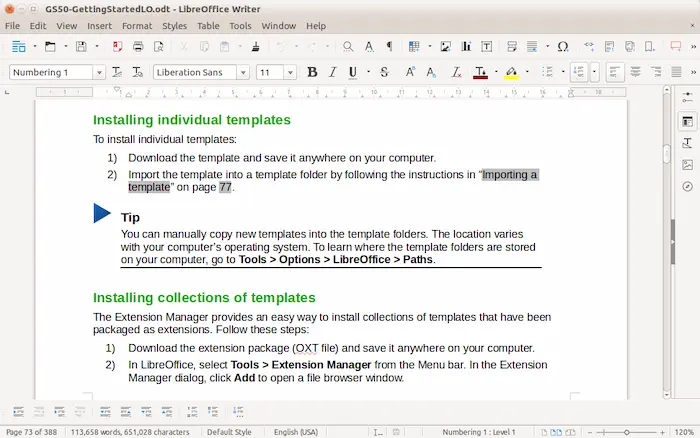
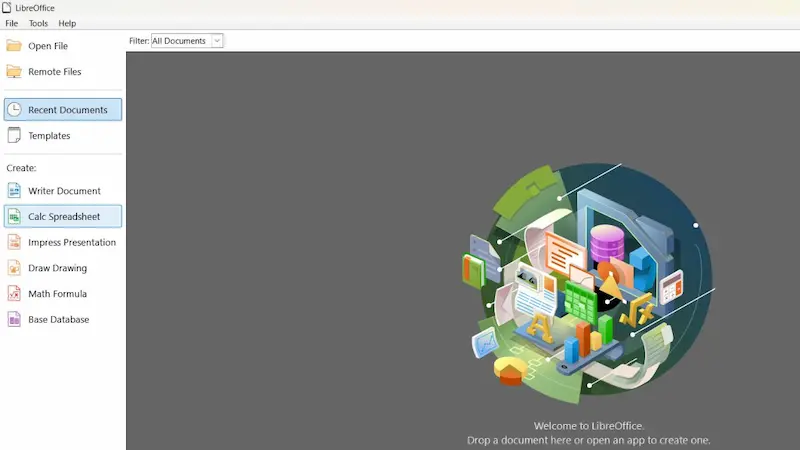
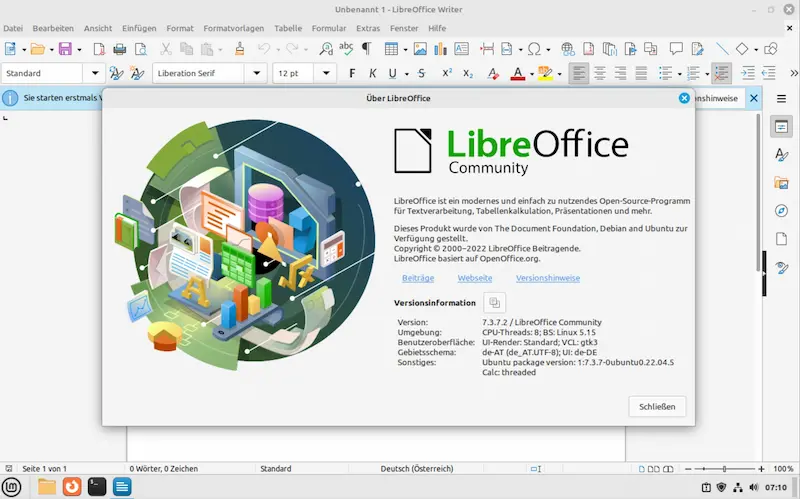
ScreenShots of LibreOffice
Minimum Requirements
- Operating System: Windows 7 SP1 or later, macOS 10.12 or later, Linux kernel 3.10 or newer
- Processor: Intel Pentium 4 or AMD Athlon 64 processor or equivalent
- RAM: 512 MB of memory (1 GB recommended)
- Hard Disk Space: 1.5 GB of available disk space
- Display: 1024 x 768 screen resolution minimum
- Graphics: OpenGL 3.3 or higher compatible graphics card (for advanced features)
- Additional: Java Runtime Environment (optional, required only for Base and some advanced features)
Recommended Requirements
- Operating System: Windows 10/11, macOS 11 or later, recent Linux distributions
- Processor: Modern multi-core processor (Intel Core i3 or AMD Ryzen 3 or better)
- RAM: 4 GB or more for smooth performance
- Hard Disk Space: 3 GB for installation plus additional space for documents
- Display: 1920 x 1080 or higher resolution for optimal viewing
- Graphics: Dedicated graphics card for presentations and complex graphics work
Technical Details
- Software Name: LibreOffice
- Latest Version: 24.8.x (Community Edition) / 24.2.x (Enterprise Edition)
- File Size: Approximately 300-400 MB (varies by operating system)
- License: Open Source (Mozilla Public License v2.0)
- Developer: The Document Foundation
- Release Date: First released January 2011 (regularly updated)
- Architecture Support: 32-bit and 64-bit systems
- Supported File Formats: ODT, ODS, ODP, DOCX, XLSX, PPTX, PDF, and 100+ formats
- Interface Languages: Over 100 languages available
- Installation Type: Offline installer (full download)
- Update Frequency: Major releases twice yearly, minor updates monthly
- Cost: Completely free with no subscription fees
Related This:
- Office Installer Plus Free Download Latest
- Office 2019 KMS Activator Ultimate 1.8
- Ablebits Ultimate Suite for Excel Business 2024 Full
How To Download And Install?
- Click the “Download” button on the homepage to get the latest version for your operating system.
- The website automatically detects your system (Windows, Mac, or Linux) and suggests the correct version.
- Wait for the installer file to finish downloading to your computer’s Downloads folder.
- Check the file size to ensure the download completed properly before proceeding to installation.
Installation Instructions
- Locate the downloaded installer file in your Downloads folder and double-click it to start installation
- Click “Yes” or “Allow” when your computer asks for permission to make changes to your device
- Follow the on-screen setup wizard and click “Next” to accept the default installation settings
- Wait for the installation process to complete, which typically takes 3 to 5 minutes depending on your computer
- Click “Finish” when installation completes and launch LibreOffice from your Start menu or Applications folder
- The first launch may take slightly longer as LibreOffice sets up your user profile and preferences
FAQs
LibreOffice is completely free with no hidden costs, subscriptions, or premium versions. You get all features at no charge and can use it for personal or commercial purposes without any payments.
LibreOffice offers free community support through official forums, comprehensive documentation, and video tutorials on their website. You can also find answers in the built-in help system or ask questions in active user communities online.
LibreOffice is safe to download from the official website (libreoffice.org) and is trusted by millions of users worldwide. The open-source code is regularly reviewed for security, and it contains no malware, spyware, or advertisements.
Yes, LibreOffice can replace Microsoft Office for most everyday tasks like writing documents, creating spreadsheets, and making presentations. It opens and saves Microsoft Office files, though some advanced formatting or macros may need adjustments.